
 EN
 عربي
GTA 6 weather bug: why Leonida stays sunny after the patch, and the cache fix players swear by
Rockstar's first GTA VI update promised to fix weather that stopped changing, yet many players still see nothing but sun. A two-minute console cache clear is bringing storms back for a lot of them. Here are the safe steps on PS5 and Xbox, what Rockstar says about the weather, and what is still unconfirmed.
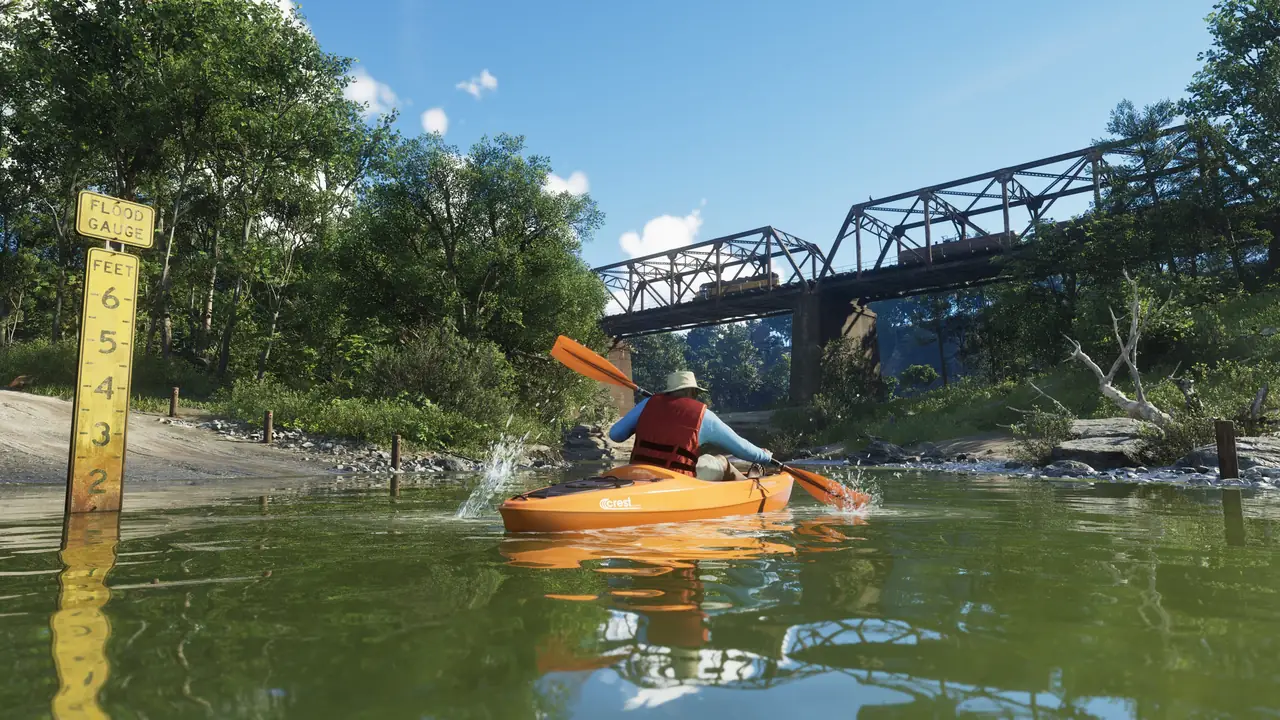
A kayaker paddling under clear blue skies in Mount Kalaga National Park, from Rockstar's official Only in Leonida page. Endless days like this are exactly what players with the weather bug keep getting. · Image: Rockstar Games
If you have played GTA VI for dozens of hours and barely seen a cloud, you are not imagining it. Rockstar's first post-launch patch on 23 November listed "Fixed an issue that resulted in the weather not changing for extended periods" [1], but plenty of players say Leonida is still stuck on sunshine. Since 26 November a simple workaround has spread fast: clear your console's system cache. Players who tried it report storms and fog within minutes [3] [4] [5].
Key facts
What the weather bug is
Before launch, Rockstar talked up GTA VI's weather: rolling fog, thunderstorms and even hurricanes. After release, many players noticed the opposite. PC Gamer's Tyler Colp wrote that he saw rain roughly once in his first 30 hours [8]. The 23 November patch notes then confirmed the weather was not changing as often as it should [1].
The patch helped some players but not all. GamesRadar+ and IGN both report players who still had no real weather after installing it [9] [4]. On 26 November the creator GameRoll posted on X that after 56 hours without "any dramatic weather", clearing the PS5 cache brought a storm "IMMEDIATELY" on loading. They credited another player, @mauricioce85796, for the tip [3]. That post passed a million views, and the replies filled up with "it worked for me too".
Fix on PS5: clear the system cache
First make sure GTA VI is on the latest version (01.002.002 or newer) and save your game. Then follow Sony's own Safe Mode steps [6]:
- Turn the PS5 off completely by holding the power button for three seconds. Wait for the light to go out. Rest Mode is not enough.
- Press and hold the power button again. Let go after the second beep, about seven seconds after the first.
- Plug the controller in with a USB cable and press the PS button.
- Choose Clear Cache and Rebuild Database (option 6 in the list).
- Choose Clear System Software Cache and confirm. The console restarts by itself.
Important: do not pick Reset PS5 or Reset PS5 (Reinstall System Software). Sony says both delete all user data [6]. Sony describes Clear System Software Cache as the option for "system feature issues or performance drops" [6], and IGN notes it removes temporary files without touching your games, saves, screenshots or account settings [4].
Fix on Xbox Series X|S
Xbox has no cache menu like this. Rockstar's own support article on clearing the Xbox Series X|S cache gives these steps [7]:
- Press the power button on the console to shut it down.
- Unplug the power cable.
- Leave it unplugged for two minutes.
- Plug it back in and turn the console on.
Rockstar says this does not affect save data, but it resets your brightness and language settings [7]. Insider Gaming says the same workaround appears to help on Xbox [5].
Not every sunny day is a bug
Even after a fix, rain will not start the moment you load in. Owen Shepherd, Rockstar's vice president of art for lighting and rendering, told IGN that "the overall weather pattern changes per chapter, evolving from generally very good weather in the first chapter to much more changeable and stormy in the last chapter." He compared it to Florida going from winter into summer and autumn, and added: "During the first chapters there are pockets of rain but due to the localization of weather it is possible to miss these" [4].
So if you are early in the story, mostly clear skies are by design. Weather is also local, so a storm can be over one part of the map while you sit in sunshine somewhere else. Insider Gaming suggests spending some time exploring before you judge the fix [5].
What is official and what isn't
- Official: the weather bug existed, and update 01.002.002 on 23 November was meant to fix it [1]. Rockstar Support announced the update at 14:42 UTC that day [2].
- Official: the cache steps themselves come from Sony and Rockstar support pages [6] [7].
- Not official: that clearing the cache fixes the GTA VI weather. That comes from players. Rockstar has not commented on it, and IGN points out it could be partly placebo [4].
- No new patch yet: as of 27 November 07:15 UTC, Rockstar's update page still shows 23 November as its latest entry [1]. If the cache trick doesn't help you, the next update is the realistic hope.
Other GTA VI problems? See our update 1.002.002 patch notes and the PS5 crash CE-108255-1 guide.
Quick answers
Why is it always sunny in GTA 6? Partly a bug that Rockstar says the 23 November patch fixed, and partly design: the first chapters are mostly fair weather [1] [4].
How do I make it rain in GTA 6? Install the latest update, clear your console cache, then keep playing and exploring. The game has no weather menu.
Does clearing the PS5 cache delete my GTA 6 save? No. Just make sure you choose Clear System Software Cache, not a Reset option [4] [6].
Does the fix work on Xbox? Players report it does with a full power cycle. Rockstar warns the brightness and language settings reset [5] [7].
Did Rockstar confirm the cache fix? No. It is a player workaround [3] [4].
Sources
- Rockstar Games Support: "Grand Theft Auto VI Launch Updates (PS5 / XBOX Series X|S)", November 23, 2026 entry (checked 27 Nov 2026)
- Rockstar Support on X: "A new update is now available for Grand Theft Auto VI on PS5 and XBOX Series X|S" (23 Nov 2026, 14:42 UTC)
- GameRoll on X: "I found a working fix for the weather bug in GTA 6" (26 Nov 2026, 01:31 UTC)
- IGN: "GTA 6 Weather Still Not Varied Even After the Patch? PS5 Players Are Sharing a Method That May Help" (Kirk McKeand, 26 Nov 2026), with comments from Rockstar's Owen Shepherd
- Insider Gaming: "How To Fix Weather Bug In GTA 6: Rain, Storms & More" (26 Nov 2026)
- PlayStation Support: "How to use Safe Mode on PS5 consoles and PS4 consoles"
- Rockstar Games Support: "Clearing the cache on Xbox Series X|S consoles"
- PC Gamer: "GTA 6 players swore the weather system was broken and the latest patch has confirmed those suspicions" (Tyler Colp, 23 Nov 2026)
- GamesRadar+: "GTA 6 players fix the weather system themselves after Rockstar's latest patch left them hanging" (Anna Koselke, 26 Nov 2026)
Haris Games is an independent publication and is not affiliated with Rockstar Games, Take-Two Interactive, Grinding Gear Games, Capcom, Nintendo, Sony Interactive Entertainment, Epic Games, The Game Awards or any other publisher or event. Game names and trademarks belong to their owners. Screenshots and artwork are official media from each game's publisher, used for editorial purposes and credited. Videos are embedded from their official YouTube channels.
Keep reading
GTA 6 cut features: Rockstar dropped tennis, cinemas, home decorating and crafting. Here is why
Rockstar cut tennis, cinema and theatre trips, crawling, home furnishing and crafting from GTA 6. What Rockstar North said, and what made it in.
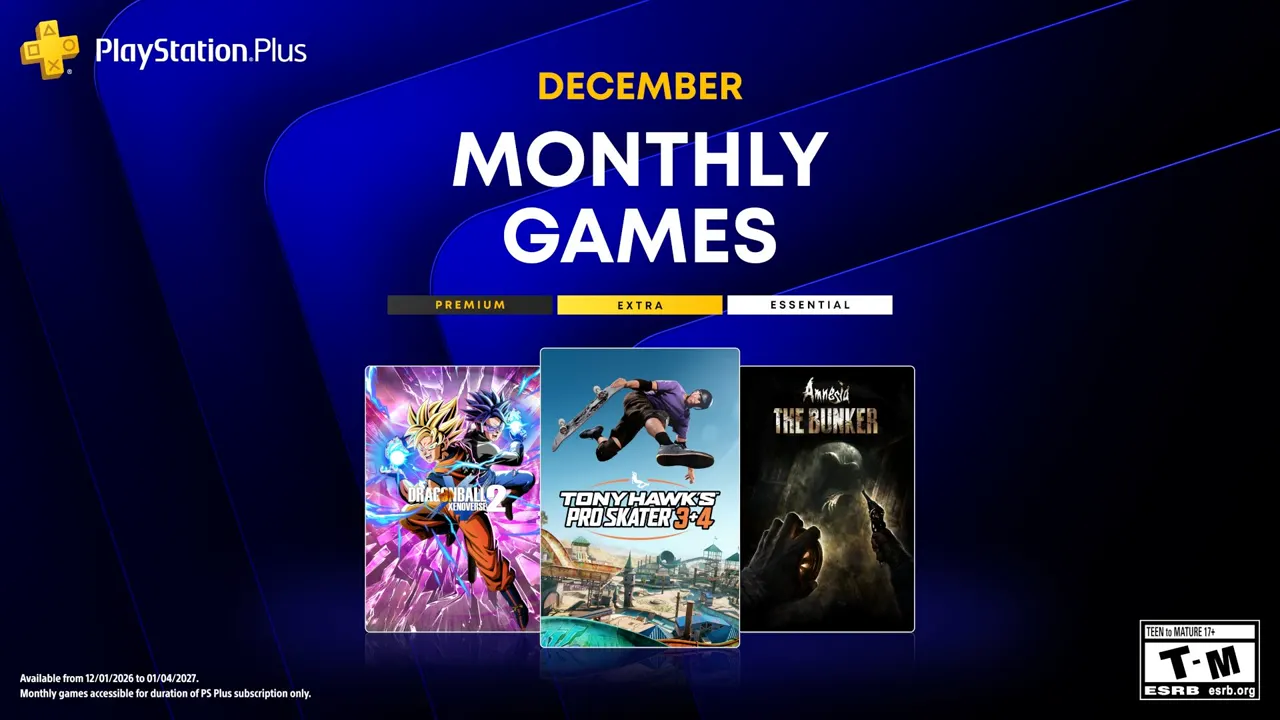
PS Plus December 2026 games: Tony Hawk's Pro Skater 3 + 4, Dragon Ball Xenoverse 2 and Amnesia: The Bunker
December 2026 PS Plus games: Tony Hawk's Pro Skater 3 + 4, Dragon Ball Xenoverse 2 and Amnesia: The Bunker. Claim dates, PS5/PS4 versions, Saudi notes.
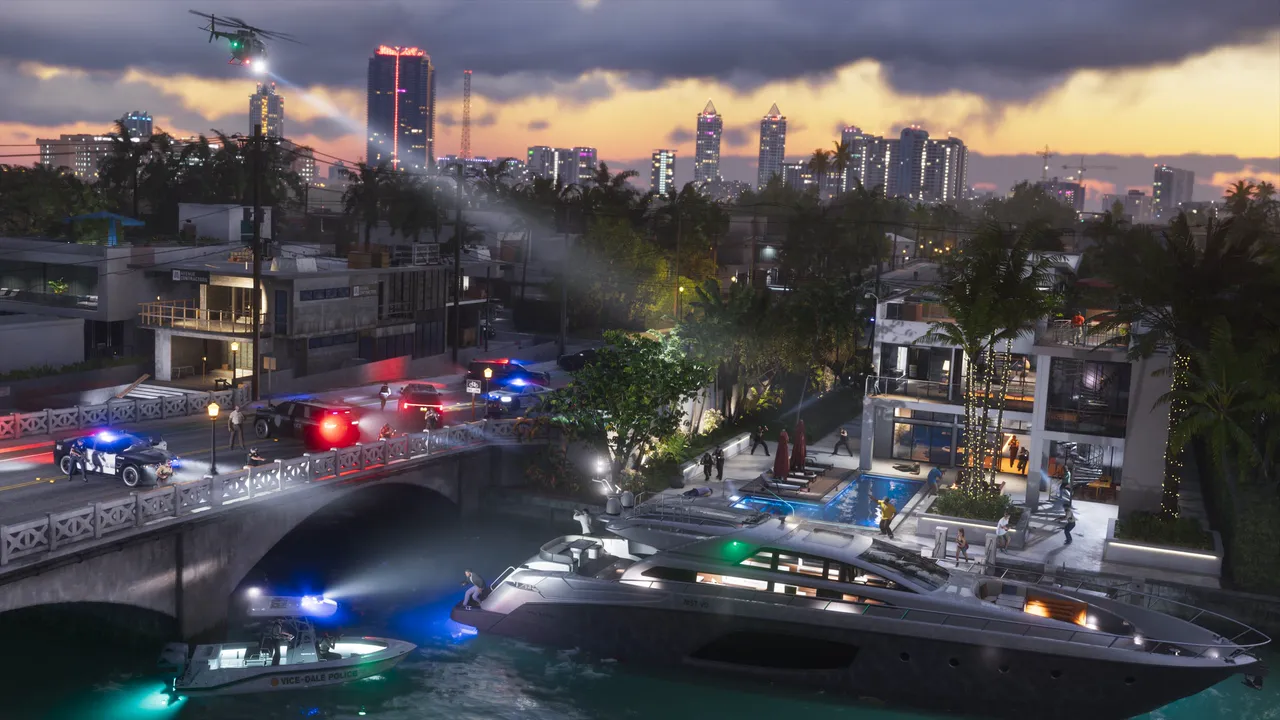
Is GTA 6 too easy? Rockstar explains the difficulty, plus the settings that make it easier or harder
Rockstar says GTA 6 sits between GTA 4 and GTA 5 on difficulty. No difficulty menu, but a hidden easy mode, checkpoint skips and ways to make it harder.
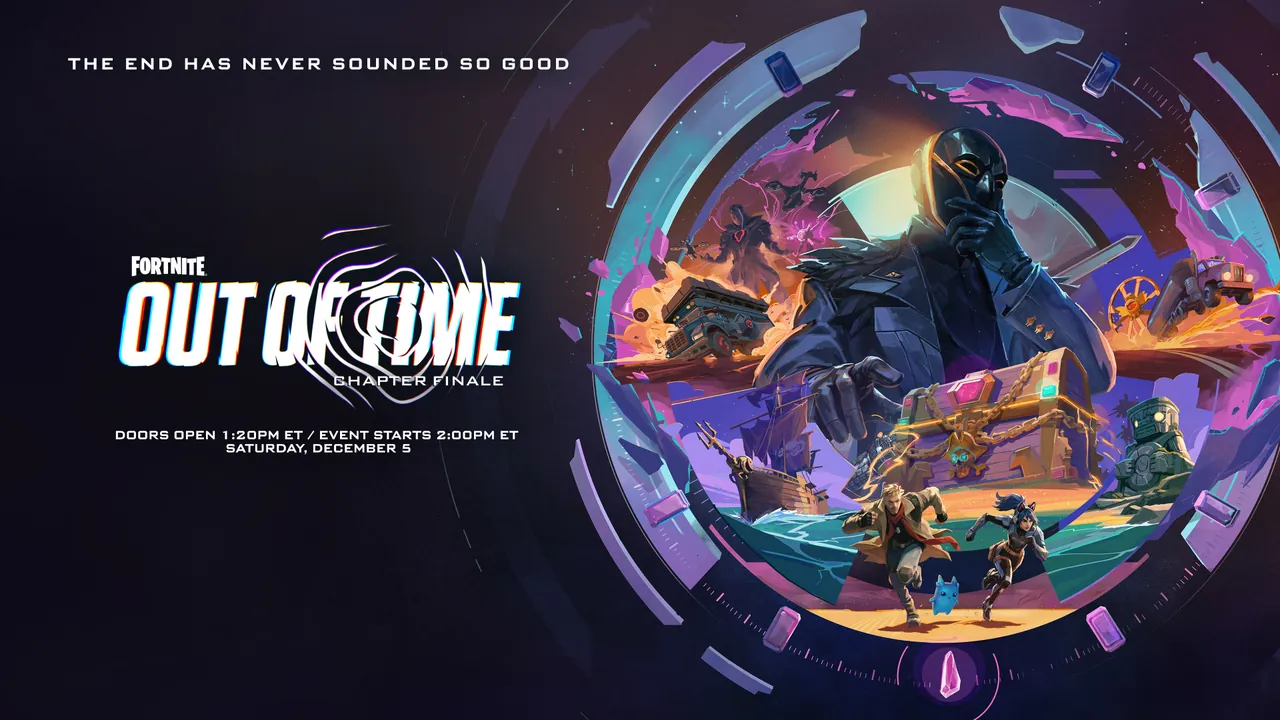
Fortnite Out of Time live event: Chapter 7 finale date, start time and the 80,000 XP server test
Fortnite's Chapter 7 finale, Out of Time, starts 5 Dec at 19:00 UTC (22:00 Saudi). Times by region, tonight's 80,000 XP server test and what's unconfirmed.
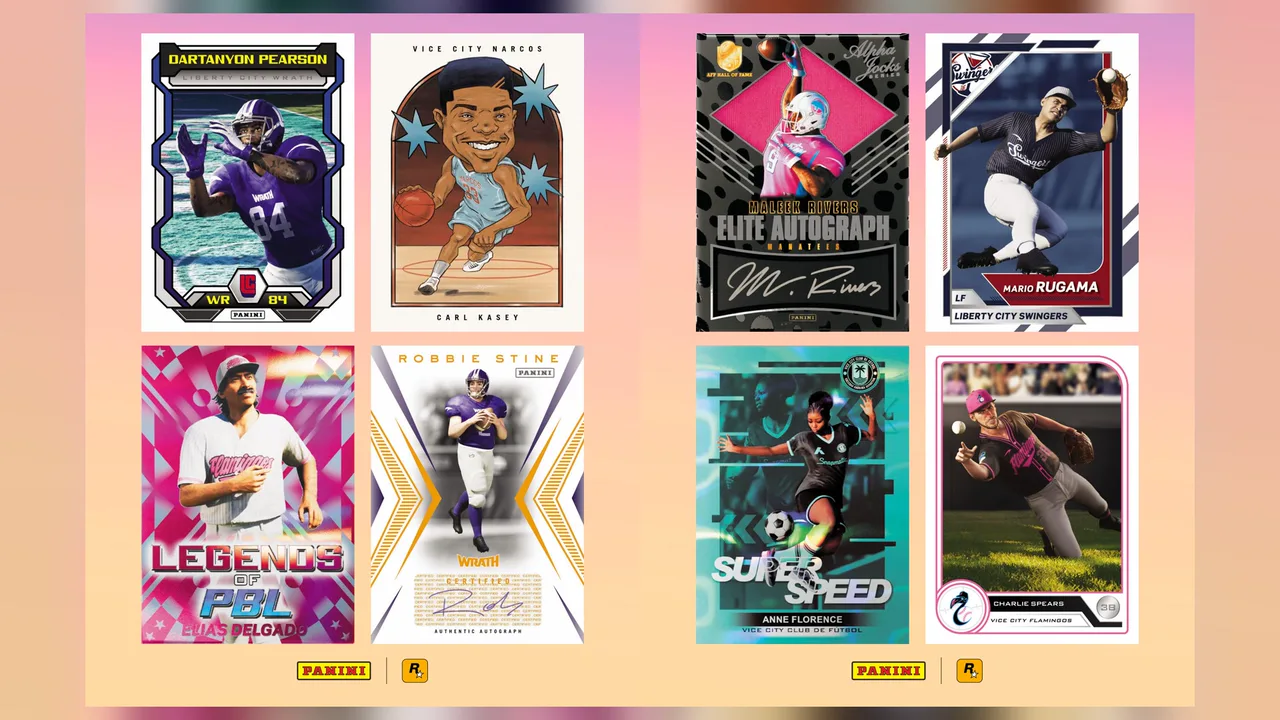
GTA 6 trading cards are becoming real: Panini's official GTA VI collection lands in December
Rockstar and Panini announce the official GTA VI Sports Trading Card Collection for December 2026: box contents, 1-of-1 Golds and what's still unknown.
GTA 6 is PlayStation's biggest launch ever: 39 million PS5 players and 683 million hours in four days
Sony says GTA 6 is PlayStation's biggest launch ever: 39 million+ PS5 players, a concurrent-player record and 683 million hours in four days.
GTA 6 update 1.002.002 patch notes: Rockstar fixes autosave, stuck weather and crashes
GTA 6's first post-launch patch fixes autosave, stuck weather, crashes and missing phone calls. Full notes, 603.8MB PS5 / 1.6GB Xbox size, rollout times.
Can you play GTA 6 on PS4 or Xbox One? What actually works, and what doesn't in Saudi Arabia
GTA 6 is PS5 and Xbox Series only. Xbox One can stream it via Xbox Cloud Gaming (not in Saudi Arabia or UAE); PS4 works only as a Remote Play screen.
GTA 6 trophy list: all 55 trophies, how long the platinum takes, and the one you might miss
All 55 GTA 6 trophies and achievements (1,000G), the ~200-hour platinum roadmap, the one possibly missable trophy, and tips for every hidden trophy.
How long is GTA 6? Story length, 91 missions in five chapters, and how many hours to 100%
How long to beat GTA 6: reviewers measured 53-65 hours on the story, 70-100+ with side content. 91 missions in five chapters, plus GTA V and RDR2 compared.
GTA 6's Red Dead references: the Flaco Hernández book, New Austin plates and a tiny Arthur Morgan
A GTA 6 book retells Flaco Hernandez's RDR2 death, plus New Austin plates and an Arthur Morgan doll. What's in the game, and what Rockstar hasn't said.
Does GTA 6 have Arabic? Every language in the game, and the best setup if you play from the Gulf
GTA 6 has English voices only and text in 12 languages on PS5, 13 on Xbox. No Arabic. Full list, how to change the language, best subtitle settings.
GTA 6 crashing on PS5 with error CE-108255-1: what we know and the fixes worth trying
GTA 6 crashing on PS5 with error CE-108255-1? What Sony and Rockstar say, whether a patch is out, and safe fixes to try in order, from 1080p to Safe Mode.
GTA+ in GTA 6: what the membership adds, what it costs in Saudi Arabia, and how to claim or cancel the free month
What GTA+ adds to GTA 6: the Elegy, a Crosstown garage, 10% discounts and transit perks. Saudi price (30.12 SAR), the free month and how to cancel.
GTA 6 sales are official: $3.79 billion on day one and 32.5 million copies sold before launch
Take-Two confirms GTA 6 made $3.79B in day-one retail sales and sold 32.5M units before release. How it compares with Sensor Tower's estimate and GTA 5.
GTA 6 cheats: every code found so far, how to unlock them, and why players are frustrated
Every GTA 6 cheat code found so far for PS5 and Xbox Series X|S: how to unlock cheats after the story, how to enter them, and why they turn off saving.
GTA 6 on PC and GTA 6 Online: what Rockstar has confirmed, what is only reported, and what to do now
Is GTA 6 coming to PC, and when does GTA 6 Online arrive? What Rockstar and Take-Two confirmed, the reported Q1 2027 PC window, cloud play and what to do.
GTA 6 performance tested: PS5 vs PS5 Pro vs Xbox Series X (and Series S), resolution and frame rate compared
Digital Foundry tested GTA 6 on every console: 1440p on PS5, Pro and Series X, PSSR and RT shadows on Pro, 720p on Series S. Where fps drops, what to buy.
Is the PS5 Pro worth it in 2026? Saudi and global prices, what you actually get in GTA 6, and who should wait
PS5 Pro costs $899.99 in the US and 3,799 SAR at Jarir, but it's out of stock and marketplaces ask 5,999 SAR. What it adds in GTA 6 and who should wait.
GTA 6 Leonida map guide for new players: the six regions, five counties, how to get around and what to find in each
New to Leonida? GTA 6's six regions and five counties explained, when Vice City opens up, how fast travel works, and the best secrets in each area.

PlayStation Black Friday 2026: the Saudi PS Store deals in SAR, and which ones end on 20 November
PlayStation Black Friday 2026 runs to 30 Nov. Saudi PS Store prices in SAR: EA FC 27 50% off, FF7 Remake 80% off, deals ending 20 Nov, PS Plus, DualSense.
GTA 6 secret locations: the jet-ski dog, Bigfoot, a UFO and 4 more places to find in Leonida
Where to find GTA 6's jet-ski dog, Bigfoot, the UFO, the giant crab, the tower Easter egg, sunken treasure and Dexter's apartment, with triggers.
GTA 6 is out and players can't believe their eyes: the graphics, Vice City and the details everyone is sharing
GTA 6 is out and players are stunned: water that looks real, NPCs mistaken for footage, a jet-ski dog. Launch records, Leonida secrets and 30fps gripes.
GTA 6 reviews are in: 99 on Metacritic, level with Ocarina of Time. What critics love, and what they don't
GTA 6 scores 99 on Metacritic, level with Ocarina of Time. IGN, GameSpot, Guardian and Eurogamer scores, what critics praise and the flaws they flag.

The Game Awards 2026 nominees: GTA VI leads with eight, plus the full list, voting deadline and show time (UTC)
GTA 6 leads The Game Awards 2026 with 8 nominations. All GOTY nominees, the full list, how to vote by 10 Dec 02:00 UTC and show time: 11 Dec, 00:30 UTC.
GTA 6 release time: when it unlocks in Saudi Arabia, the Gulf and the rest of the world (UTC)
When does GTA 6 unlock? Midnight local time on 19 Nov: Saudi Arabia 21:00 UTC, UAE 20:00 UTC, US 05:00 UTC. Full schedule, account region, cloud.
GTA VI gets a second pre-launch update, 1.002.001: size, rollout times and what we actually know
GTA 6 got a second pre-launch patch, 1.002.001: about 602.5MB on PS5 and 1.6GB on Xbox. Rollout times in UTC, what we know, what to check before launch.
Resident Evil Veronica is coming in 2027: what Capcom has confirmed about the Code: Veronica remake
Capcom's Code: Veronica remake is due in 2027 on PS5, Xbox, Switch 2 and PC. What's confirmed, the RE Engine look, and how it compares with Requiem.
Path of Exile 2 leaves early access on 11 December and goes free-to-play: everything confirmed for 1.0
Path of Exile 2 leaves early access on 11 December and goes free-to-play. Acts 5 and 6, the Shadow and Duelist, the new league, platforms and trailers.
GTA VI gets its first update, 1.002, six days before launch: what we know and why Rockstar shipped it early
GTA 6 update 1.002 is rolling out to pre-loaded PS5 and Xbox Series copies with no patch notes yet. What is confirmed, the sizes, and why it came early.
GTA VI at 30fps: why it happened, what it really means, and the myths you can ignore
Rockstar confirmed GTA 6 runs at 30fps on every console, PS5 Pro included. Why it happened, how 30fps really feels, and which myths to ignore.